Home / Video Editing & Motion Basics
Video Editing & Motion Graphics for Content Creators
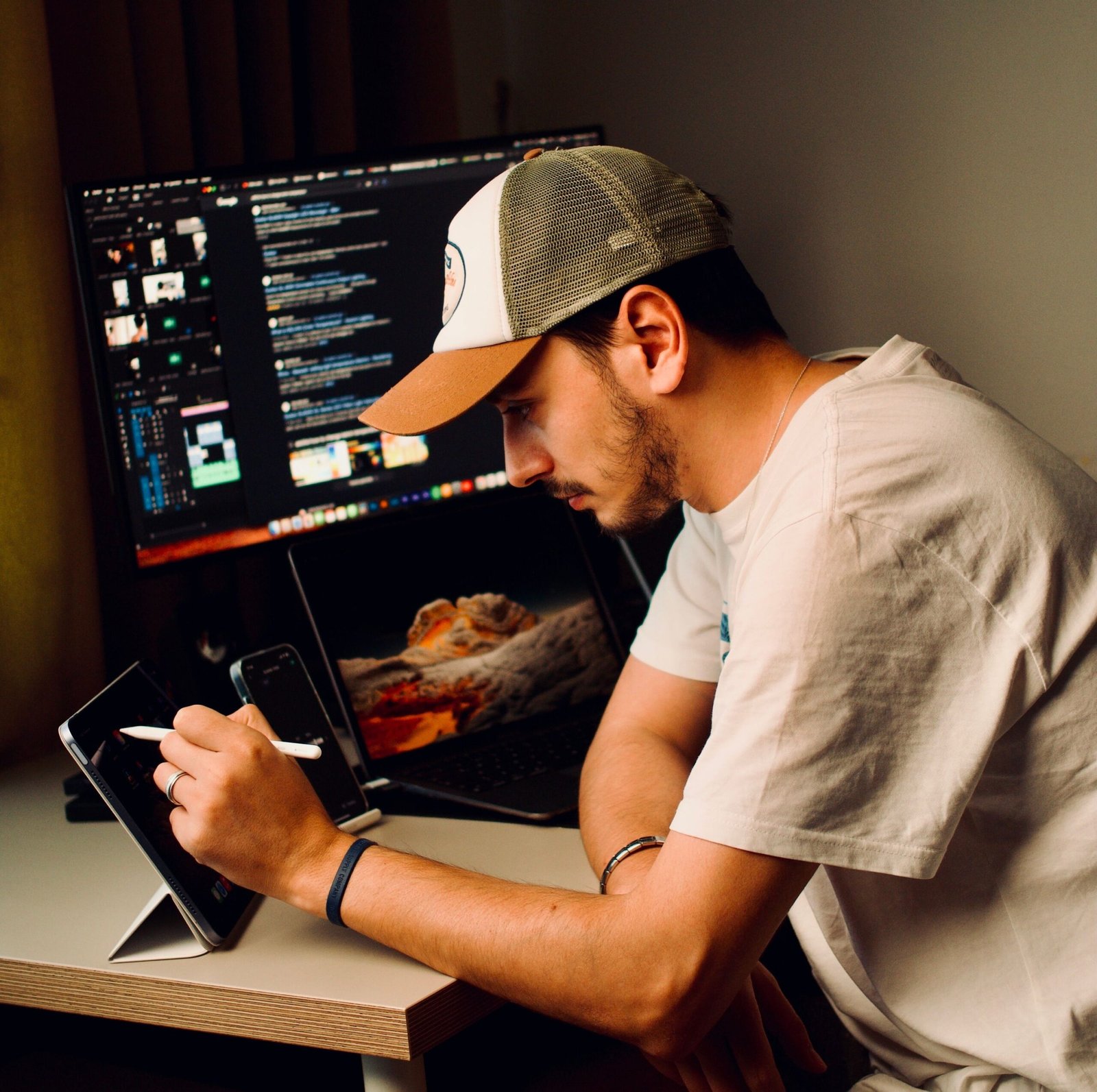
Learn to edit engaging short-form and long-form videos, create dynamic content and build a foundation in motion graphics.
- Mentor Guided Learning
- Practical Projects
- Portfolio Focused
- Career Support
- Mentor Guided Learning
- Practical Projects
- Portfolio Focused
- Career Support
₹34,999
- Instructor : Creoversity Founding Mentor
- Duration : 6 Weeks
- Languange : English
course overview
Learn video editing through practical projects designed around the way modern creators and brands produce content. This focused 6-week course takes you from Premiere Pro fundamentals to cutting, pacing, sound design, captions and basic motion graphics.
You’ll work with real video-editing workflows for Reels, YouTube and other digital platforms, finishing with short-form and long-form projects that demonstrate your editing skills.
What Will You Learn?
Build practical video editing skills for creating engaging social media content, YouTube videos and polished digital experiences.
- Premiere Pro Fundamentals
- Cutting & Transitions
- Pacing & Storytelling
- Sound Design & Music
- Color Correction
- Captions & Text Animation
- Basic Motion Graphics
- Short-Form Content
- Platform-Specific Export
- Final Video Projects
Tools You'll Use
- Adobe Premiere Pro
- Adobe After Effects
Your 6-Week Learning Journey
A practical journey from basic video editing to creating engaging short-form and long-form content with an introduction to motion graphics.
Editing Foundations
Learn Premiere Pro, import and organize footage, make clean cuts, use transitions and understand basic pacing.
Outcome
Editing Foundations → Rough-Cut Video Project
Short-Form Storytelling
Work with sound design, music, voiceovers, captions and text animation while learning how to create engaging short-form content.
Outcome
Short-Form Editing → Engaging Social Media Video
Motion Basics & Final Project
Explore basic motion graphics with After Effects and bring everything together in your final short-form and long-form video projects.
Outcome
Motion Basics → Portfolio-Ready Video Projects
Frequently Asked Questions
Find answers to common questions about the Video Editing & Motion Basics course, projects, learning experience and portfolio work.

This course is designed for beginners, aspiring video editors, content creators, social media managers, marketers and anyone who wants to learn practical video editing.
No. The course starts with Premiere Pro fundamentals and gradually moves into editing, storytelling, sound, captions and motion graphics.
You'll learn video editing, cutting, transitions, pacing, storytelling, sound design, color correction, captions, text animation, basic motion graphics and platform-specific exports.
The course runs for 6 weeks with a structured, project-based learning journey.
Yes. You'll work on practical editing exercises and finish with both a short-form and long-form video project.
Explore More Programs
Graphic Design & Visual Communication
₹42,999
Master branding, typography and visual storytelling with Photoshop, Illustrator and InDesign through real client-style projects.
UX/UI Design for Digital Products
₹54,999
Design real apps and websites using Figma, user research and prototyping — and build a job-ready product design portfolio.

Digital Marketing, Growth & E-Commerce
₹29,999
Learn practical digital marketing, growth strategies, and e-commerce skills through real business-focused projects.