
Home / Photoshop
Adobe Photoshop for Design & Digital Art
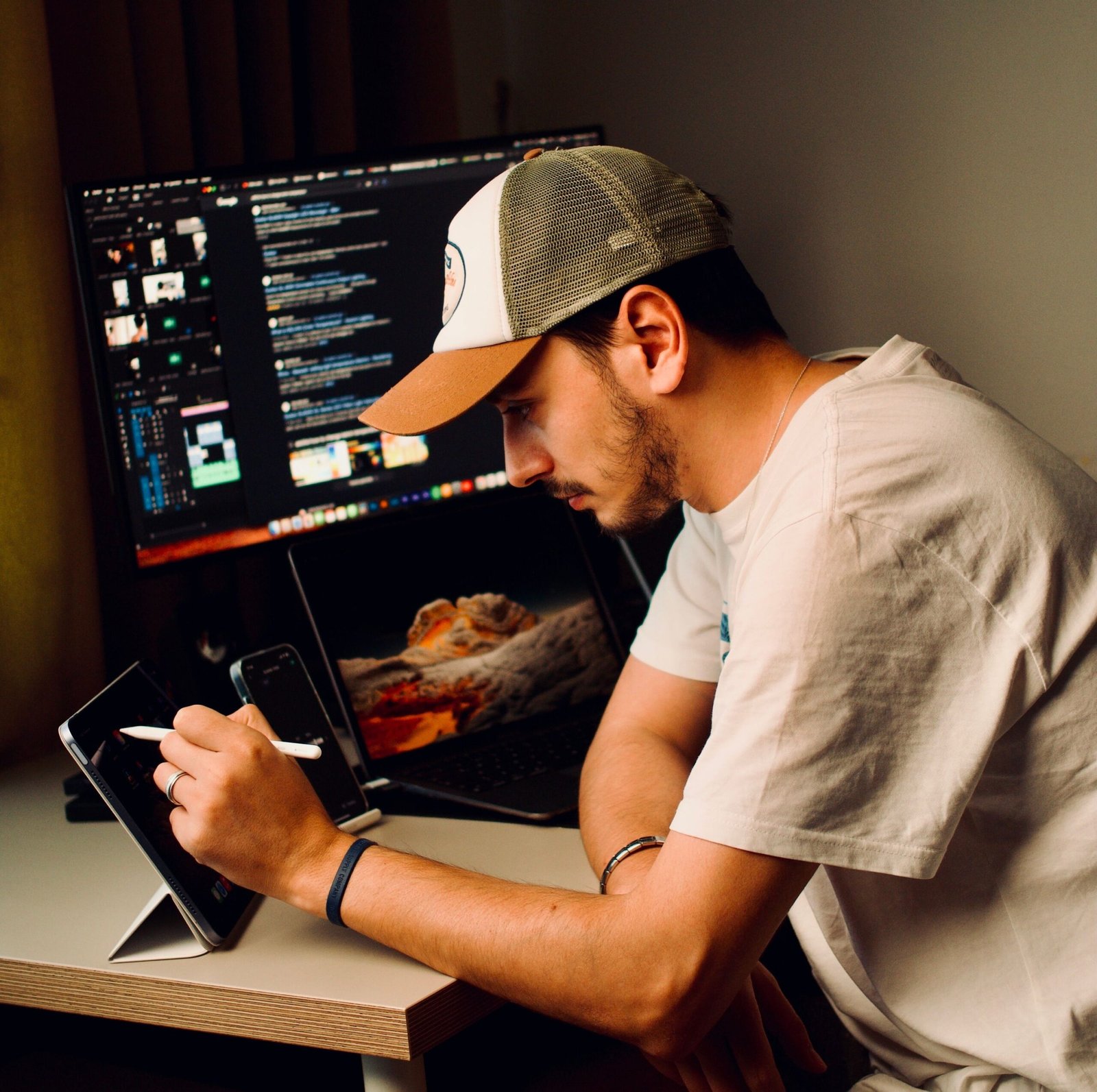
Learn professional photo editing, compositing and digital art through hands-on, portfolio-ready projects.
- Mentor Guided Learning
- Practical Projects
- Portfolio Focused
- Career Support
- Mentor Guided Learning
- Practical Projects
- Portfolio Focused
- Career Support
₹6,999
- Instructor : Creoversity Founding Mentor
- Duration : 6 Weeks
- Language : English
- Reserve your seat: ₹999 (balance within your first 2 classes)
course overview
Learn Photoshop through practical projects rather than passive software tutorials. This focused 6-week course takes you from the fundamentals of layers, selections and retouching to compositing, digital manipulation, typography and professional export workflows.
You’ll work with real images and project briefs throughout the course, building practical skills and a portfolio piece you can use to demonstrate your work.
What Will You Learn?
Build practical Photoshop skills for photo editing, digital design and creative visual work while learning workflows used in real design projects.
- Photoshop Interface & Workspace
- Layers & Layer Management
- Selections & Masking
- Photo Retouching
- Color Correction
- Image Compositing
- Digital Manipulation
- Typography & Text Effects
- Web & Print Export
- Non-Destructive Editing
Tools You'll Use
- Adobe Photoshop
Your 6-Week Learning Journey
A focused, project-based journey from Photoshop fundamentals to a portfolio-ready creative project.
Interface & Editing Basics
Learn the Photoshop workspace, layers, selections, masks, adjustment layers and essential photo-retouching techniques.
Outcome
Photoshop Fundamentals → Edited & Retouched Images
Compositing & Manipulation
Combine multiple images, work with masks and blending techniques, and create creative digital compositions and manipulation projects.
Outcome
Compositing → Creative Composite Project
Final Project & Portfolio
Apply your skills to a final project using typography, imagery and creative effects, then prepare the work for web, print and portfolio presentation.
Outcome
Final Project → Portfolio-Ready Photoshop Work
Frequently Asked Questions
Find answers to common questions about the Photoshop course, projects, learning experience and portfolio work.

This course is designed for beginners, aspiring graphic designers, content creators, marketers and anyone who wants to develop practical Photoshop skills through hands-on projects.
No. The course starts with the fundamentals and gradually moves into compositing, manipulation and portfolio-level work.
You'll learn layers, selections, masks, retouching, color correction, compositing, digital manipulation, typography and professional export workflows.
The course runs for 6 weeks with a structured, project-based learning journey.
Yes. The course includes a final project and critique designed to give you a portfolio-ready piece of work.
Yes. Photoshop is the primary software used throughout the course.
Explore More Programs
Graphic Design & Visual Communication
₹42,999
Master branding, typography and visual storytelling with Photoshop, Illustrator and InDesign through real client-style projects.
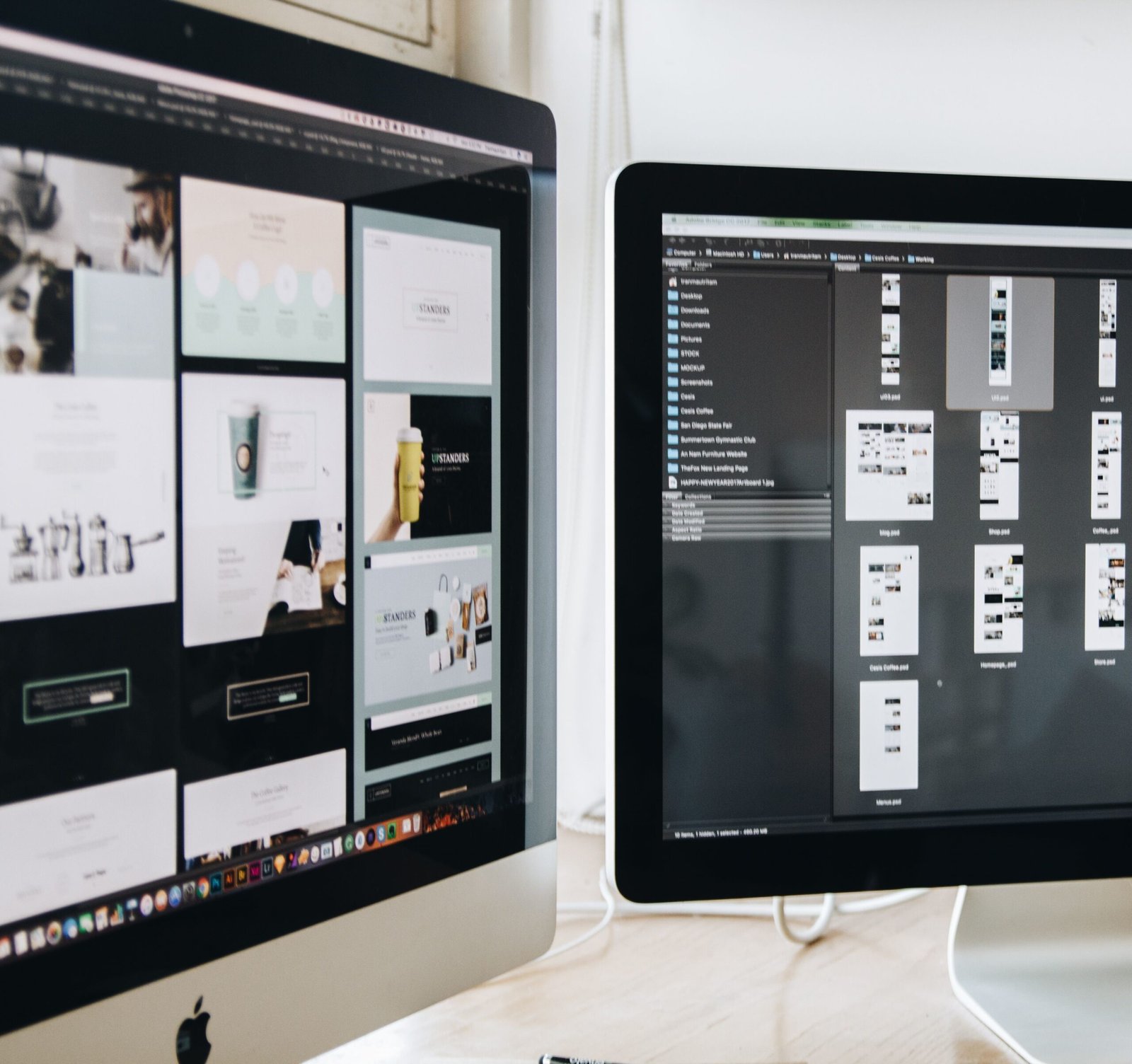
UX/UI Design for Digital Products
₹54,999
Design real apps and websites using Figma, user research and prototyping — and build a job-ready product design portfolio.

Digital Marketing, Growth & E-Commerce
₹29,999
Learn practical digital marketing, growth strategies, and e-commerce skills through real business-focused projects.