
Home / InDesign
Adobe InDesign for Print & Editorial Layout

Learn to create professional brochures, magazines, reports and multi-page documents through practical, project-based work in Adobe InDesign.
- Mentor Guided Learning
- Practical Projects
- Portfolio Focused
- Career Support
- Mentor Guided Learning
- Practical Projects
- Portfolio Focused
- Career Support
₹5,499
- Instructor : Creoversity Founding Mentor
- Duration : 4 Weeks
- Language : English
- Reserve your seat: ₹999 (balance within your first 2 classes)
course overview
Learn Adobe InDesign through practical multi-page design projects rather than passive software tutorials. This focused 4-week course takes you from document setup and layout fundamentals to professional brochures, magazine-style layouts and print-ready files.
You’ll work with grids, typography, master pages, styles, images and text flow while building practical projects that demonstrate how InDesign is used for real publishing and print design work.
What Will You Learn?
Build practical InDesign skills for creating structured, consistent and professional multi-page layouts for print and digital publishing.
- InDesign Interface & Workspace
- Document Setup & Page Management
- Master Pages
- Grid & Multi-Page Layouts
- Typography & Paragraph Styles
- Character Styles & Text Formatting
- Image Placement & Text Wrap
- Text Flow Across Pages
- Bleed & CMYK Basics
- Print-Ready File Preparation
Tools You'll Use
- Adobe InDesign
Your 4-Week Learning Journey
A focused, project-based journey from InDesign fundamentals to professional multi-page layouts and print-ready work.
Layout Foundations
Learn the InDesign workspace, document setup, master pages and paragraph and character styles while building the foundation for consistent multi-page layouts.
Outcome
InDesign Foundations → Structured Multi-Page Document
Brochure Design
Apply grids, typography, images and text flow to create a professional multi-page brochure from concept to finished layout.
Outcome
Brochure Layout → Completed Brochure Project
Magazine & Editorial Layout
Create a magazine-style layout using image placement, text flow, grids and visual hierarchy to build a polished editorial design.
Outcome
Editorial Layout → Magazine-Style Project
Print Production & Final Project
Prepare your final design for production by working with bleed, CMYK and packaged files, then complete a final project with mentor feedback.
Outcome
Print Production → Portfolio-Ready Final Project
Frequently Asked Questions
Find answers to common questions about the InDesign course, projects, learning experience and portfolio work.

This course is designed for aspiring graphic designers, students, freelancers and creative professionals who want to learn professional multi-page layout and print design using Adobe InDesign.
No. The course starts with the fundamentals and gradually moves into multi-page layouts, editorial design and print production.
You’ll learn document setup, master pages, paragraph and character styles, grids, multi-page layouts, image and text flow, and print-ready file preparation.
The course runs for 4 weeks, with a focused, project-based learning structure.
Yes. You’ll work on practical brochure and magazine-style layouts and complete a final project that can be added to your design portfolio.
Yes. You’ll need access to Adobe InDesign to follow the practical exercises and complete the projects.
Explore More Programs
Graphic Design & Visual Communication
₹42,999
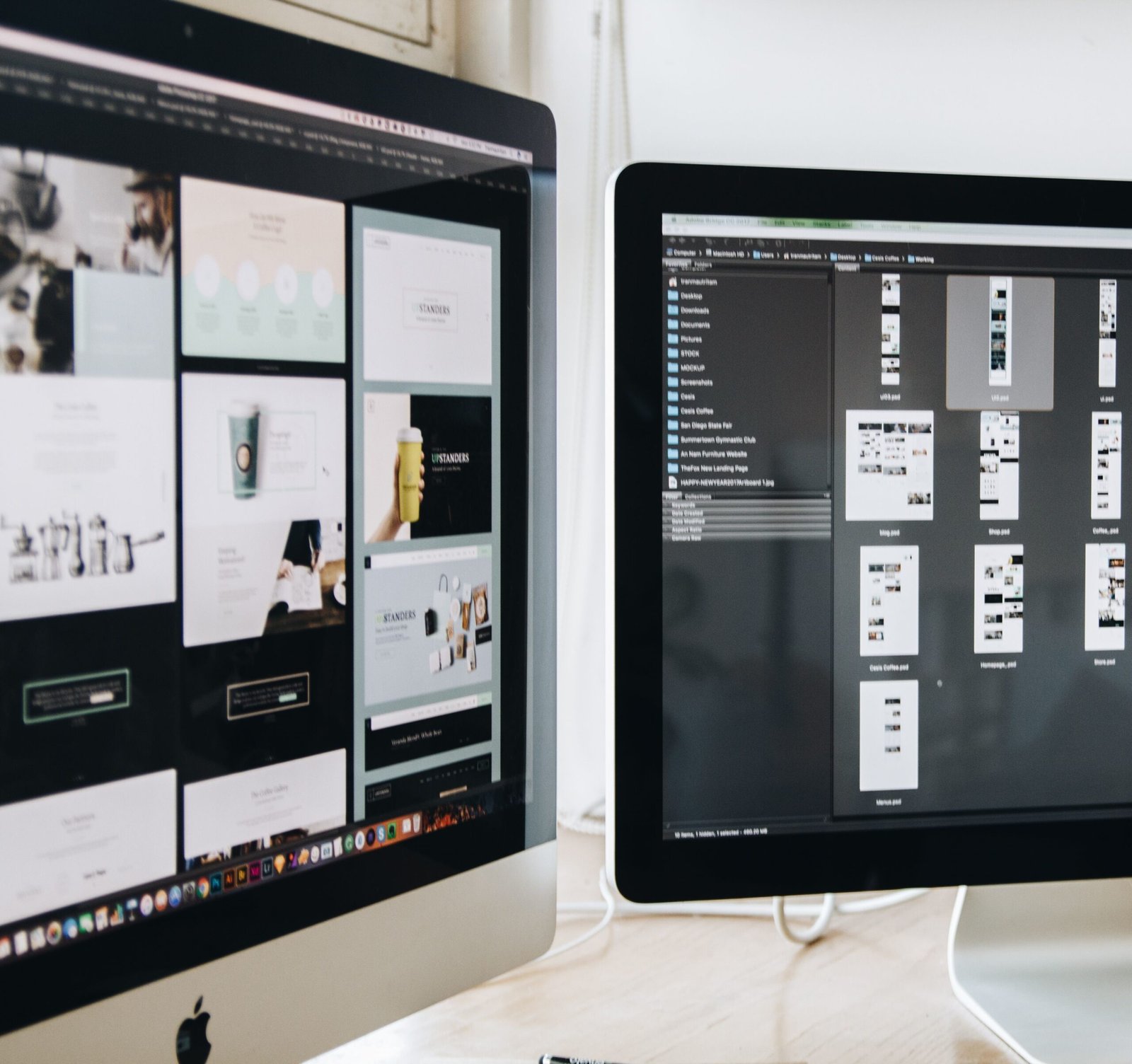
Master branding, typography and visual storytelling with Photoshop, Illustrator and InDesign through real client-style projects.
UX/UI Design for Digital Products
₹54,999
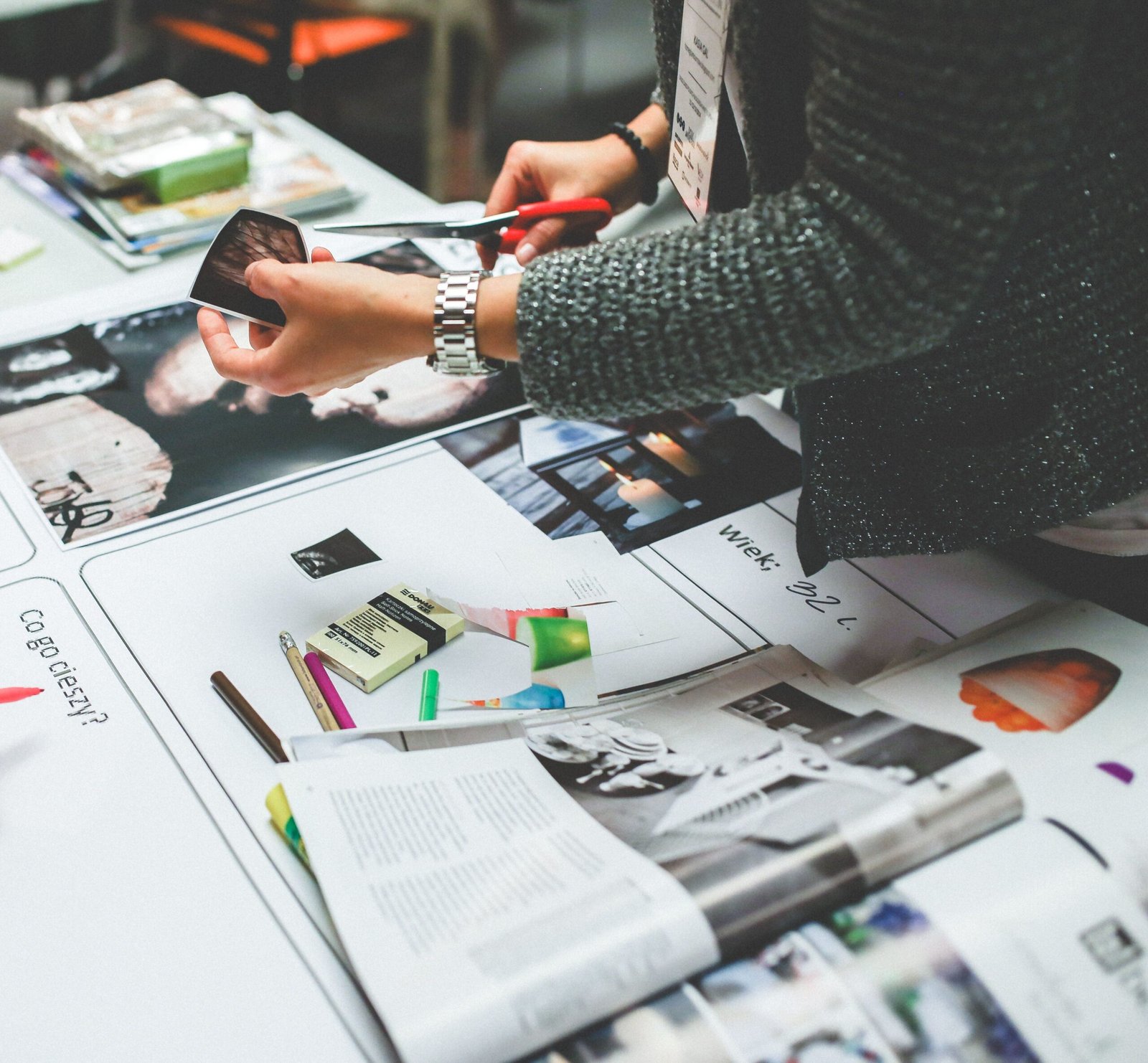
Design real apps and websites using Figma, user research and prototyping — and build a job-ready product design portfolio.
Digital Marketing, Growth & E-Commerce
₹29,999
Learn practical digital marketing, growth strategies, and e-commerce skills through real business-focused projects.